Manual installation
System Requirements
Category | Requirements |
CPU | 8+ cores |
RAM | 4+ GB |
Storage | 500GB / 1T NVME SSD |
Bandwidth | 500 MBps for Download / Upload |
Installation packages and dependencies
bash# Install dependencies for building from source
sudo apt update && sudo apt upgrade -y && sleep 1
sudo apt install curl tar cargo wget clang pkg-config protobuf-compiler libssl-dev jq build-essential protobuf-compiler bsdmainutils git make ncdu gcc git jq chrony liblz4-tool cmake -y && sleep 1
sudo apt -qy upgrade -y
sudo apt install jq -y
bash# Install Go
sudo rm -rf /usr/local/go
curl -L https://go.dev/dl/go1.21.6.linux-amd64.tar.gz | sudo tar -xzf - -C /usr/local
echo 'export PATH=$PATH:/usr/local/go/bin:$HOME/go/bin' >> $HOME/.bash_profile
source .bash_profile

# Check go version
go version
Install Rustup
bashcurl --proto '=https' --tlsv1.2 -sSf https://sh.rustup.rs | sh
Install node
bash# Clone project repository
git clone -b v0.4.6 https://github.com/0glabs/0g-storage-node.git
cd 0g-storage-node
git submodule update --init
cargo build --release
sudo cp $HOME/0g-storage-node/target/release/zgs_node /usr/local/bin
cd $HOME
Save RPC variables
bash# Set bash
echo 'export NETWORK_LISTEN_ADDRESS="$(wget -qO- eth0.me)"' >> ~/.bash_profile
echo 'export BLOCKCHAIN_RPC_ENDPOINT="https://0g-evm-rpc.murphynode.net"' >> ~/.bash_profile
source ~/.bash_profile
Set configuration
bashsed -i '
s|^\s*#\s*network_dir = "network"|network_dir = "network"|
s|^\s*#\s*rpc_enabled = true|rpc_enabled = true|
s|^\s*#\s*network_listen_address = "0.0.0.0"|network_listen_address = "'"$NETWORK_LISTEN_ADDRESS"'"|
s|^\s*#\s*network_libp2p_port = 1234|network_libp2p_port = 1234|
s|^\s*#\s*network_discovery_port = 1234|network_discovery_port = 1234|
s|^\s*#\s*blockchain_rpc_endpoint = "http://127.0.0.1:8545"|blockchain_rpc_endpoint = "'"$BLOCKCHAIN_RPC_ENDPOINT"'"|
s|^\s*#\s*log_contract_address = ""|log_contract_address = "0xbD2C3F0E65eDF5582141C35969d66e34629cC768"|
s|^\s*#\s*log_sync_start_block_number = 0|log_sync_start_block_number = 595059|
s|^\s*#\s*rpc_listen_address = "0.0.0.0:5678"|rpc_listen_address = "0.0.0.0:5678"|
s|^\s*#\s*mine_contract_address = ""|mine_contract_address = "0x6815F41019255e00D6F34aAB8397a6Af5b6D806f"|
s|^\s*#\s*miner_key = ""|miner_key = ""|
' $HOME/0g-storage-node/run/config.toml
Save the value of the private key in config.toml
bashread -p "Enter your private key: " PRIVATE_KEY && echo "Private key: $PRIVATE_KEY"
sed -i 's|^miner_key = ""|miner_key = "'"$PRIVATE_KEY"'"|' $HOME/0g-storage-node/run/config.toml

The private key is your wallet key that you created in the validator node and exported via the private key command line, here are some useful commands and tips that may come in handy.
1. Export your private key (from validator node)
0gchaind keys unsafe-export-eth-key <wallet_name>2. Create a wallet on your validator node:
0gchaind keys add wallet --ethCreate a service file
bashsudo tee /etc/systemd/system/zgs.service > /dev/null <<EOF
[Unit]
Description=0G Storage Node
After=network.target

[Service]
User=$USER
Type=simple
WorkingDirectory=$HOME/0g-storage-node/run
ExecStart=$HOME/0g-storage-node/target/release/zgs_node --config $HOME/0g-storage-node/run/config.toml
Restart=on-failure
RestartSec=10
LimitNOFILE=65535

[Install]
WantedBy=multi-user.target
EOF
Start the node
bashsudo systemctl daemon-reload
sudo systemctl enable zgs
sudo systemctl restart zgs
sudo systemctl status zgs
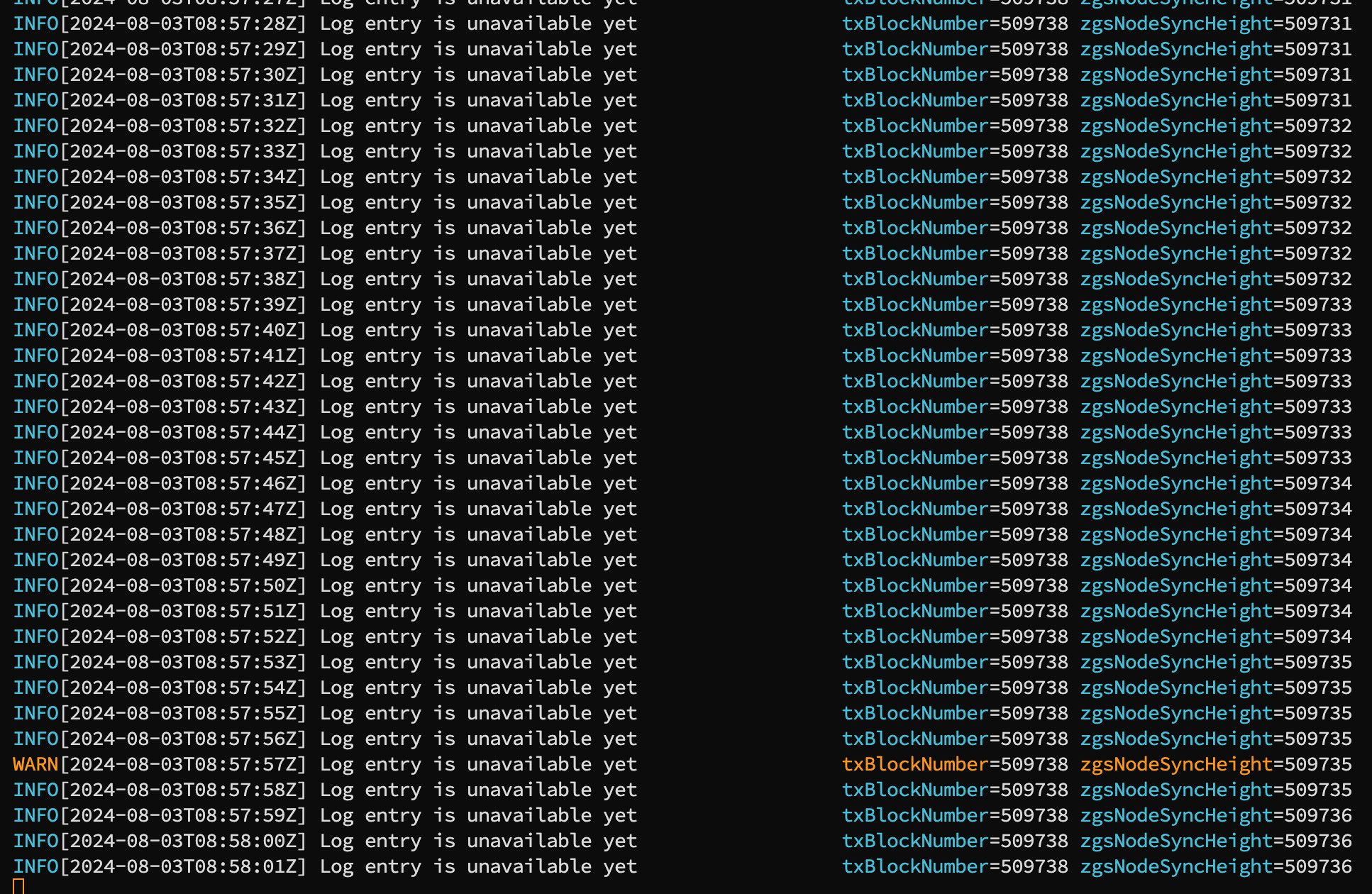
Check logs
bashtail -f $HOME/0g-storage-node/run/log/zgs.log.$(TZ=UTC date +%Y-%m-%d)
Usefull commands
Check Logs
bashtail -f ~/0g-storage-node/run/log/zgs.log.$(TZ=UTC date +%Y-%m-%d)
Check SyncHeight
bashcurl -X POST http://localhost:5678 -H "Content-Type: application/json" -d "{\"jsonrpc\":\"2.0\",\"method\":\"zgs_getStatus\",\"params\":[],\"id\":1}" | jq
Check node version
bash$HOME/0g-storage-node/target/release/zgs_node --version
Check your private key in config.toml
bashgrep '^miner_key' $HOME/0g-storage-node/run/config.toml | sed 's/miner_key = "\(.*\)"/\1/'
Restart node
bashsudo systemctl restart zgs
Check the status of the process
bashsudo systemctl status zgs
How much SSD use Storage Node (currently)
bashdu -sh $HOME/.0g-storage-node/
How much RAM use 0G Labs (currently)
bashps -p $(pgrep zgs) -o rss= | awk '{printf("The process uses memory:: %.2f MB\n", $1/1024)}'
How much CPU use 0G Labs (currently)
bashps -C zgs-o %cpu --no-headers | awk '{print $1"% CPU"}'
Delete storage node
bashsudo systemctl stop zgs.service
sudo systemctl disable zgs.service
sudo rm -rf /etc/systemd/system/zgs.service
sudo rm -rf $HOME/0g-storage-node
sudo rm -rf /usr/local/bin/zgs_node
Test Storage Node with storage CLI
Build Storage CLI with source code
plain textgit clone https://github.com/0glabs/0g-storage-client.git
cd 0g-storage-client
git checkout v0.4.1
go build
Generate Test file for uploading via Storage CLI
plain textcd $HOME/0g-storage-client
./0g-storage-client gen --file test.txt
Upload test file with storage CLI
plain text./0g-storage-client upload \
--url $BLOCKCHAIN_RPC_ENDPOINT \
--contract $LOG_CONTRACT_ADDRESS \
--key $PRIVATE_KEY \
--node $STORAGE_RPC_ENDPOINT \
--file test.txt
If you see this result, the test was successful